01 / Medical AI
Medical Q&A Agent
From medical questions to evidence, reports, slides and reviews.
Explore the medical agent

FOR MEDICAL RESEARCH & ACADEMIC WORK
From evidence-based answers to reports, slides and reviews. More time for professional judgment.
01 / MEDICAL SUPPORT
Scan with WeChat to get started.
01 / Medical AI
From medical questions to evidence, reports, slides and reviews.
Explore the medical agent02 / WeChat
Access medical information from a familiar WeChat experience.
03 / Research
Refine reports, organize references and continue your academic work.
Open workstation ↗01 / UNDERSTAND THE AGENT
A language model provides reasoning and generation.
An agent connects tools, data, methods and review.
Understand the question and connect search, reference and writing tools.
Bring search strategies, selection criteria and team knowledge into the workflow.
Coordinate multi-step tasks and reuse methods that have been reviewed.
Check sources and content, then revise before delivery.
02 / MEDICAL WORKFLOW
Question → Evidence → Report → Academic output
Work from verifiable sources, with attention to evidence quality and scope.
Keep references close to conclusions so the original literature can be checked.
State limitations when evidence is insufficient; review and revise complex work.
03 / ACADEMIC OUTPUTS
Refine the report first. Then develop slides or a review.
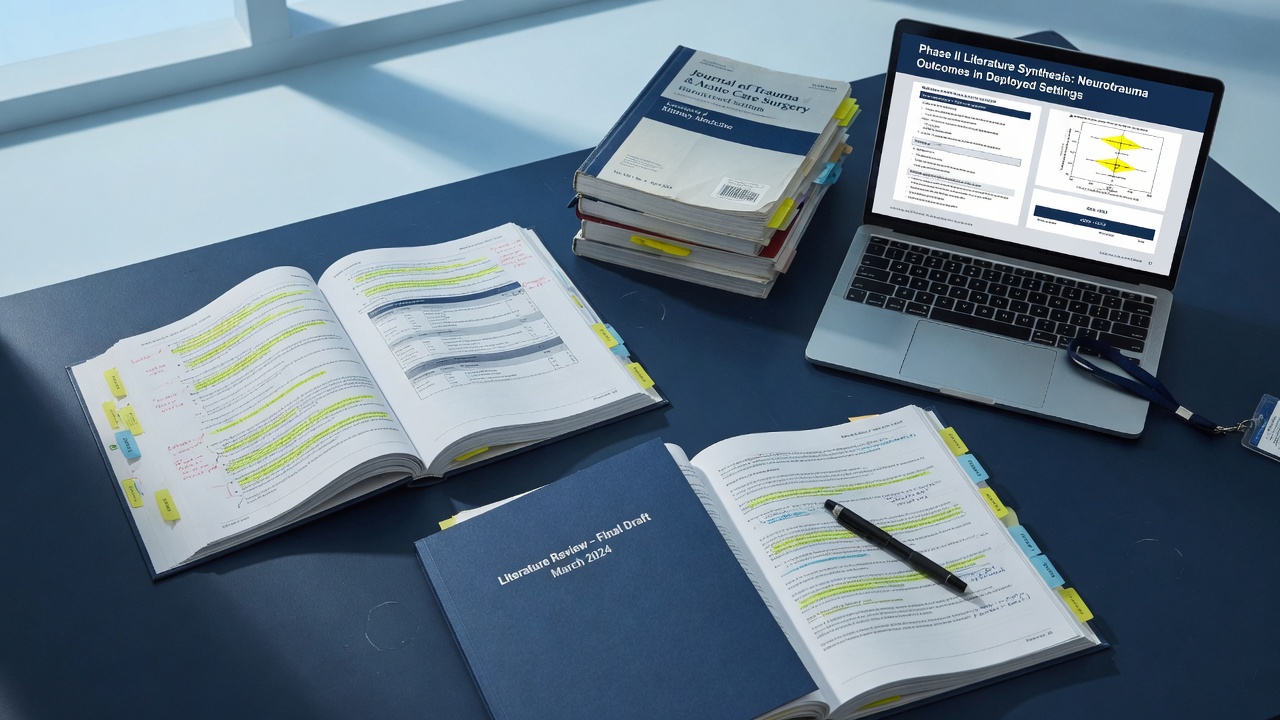
Retrieve relevant sources, structure an answer and retain reference information.
Explore a topic through a documented search, screening and analysis process.
Turn reviewed report content into material for clinical meetings and presentations.
Develop a literature review from the report structure and its underlying sources.
Retain reviewed knowledge, search strategies and revision feedback. Reuse them in similar tasks, with renewed verification.
04 / INTERFACES & OUTPUTS
Original Chinese interface examples from the course. Click to enlarge.
Ask a medical question and review the answer and its sources.
Define the topic and scope, then explore the question in more depth.
Adjust the focus, add literature and develop slides or a review.
05 / GET STARTED
This page introduces the product. Questions and tasks run in WeChat.
Scan to follow “医桥智能体” on WeChat and open its service menu. Email us about access.
Describe the population, topic and question you want to explore.
Use “@医桥报告” in WeChat and specify the research scope and period.
Use “@医桥工作站” to revise, add sources or prepare academic material.
For medical and academic information exchange. Content is not clinical advice; specific decisions require professional judgment.